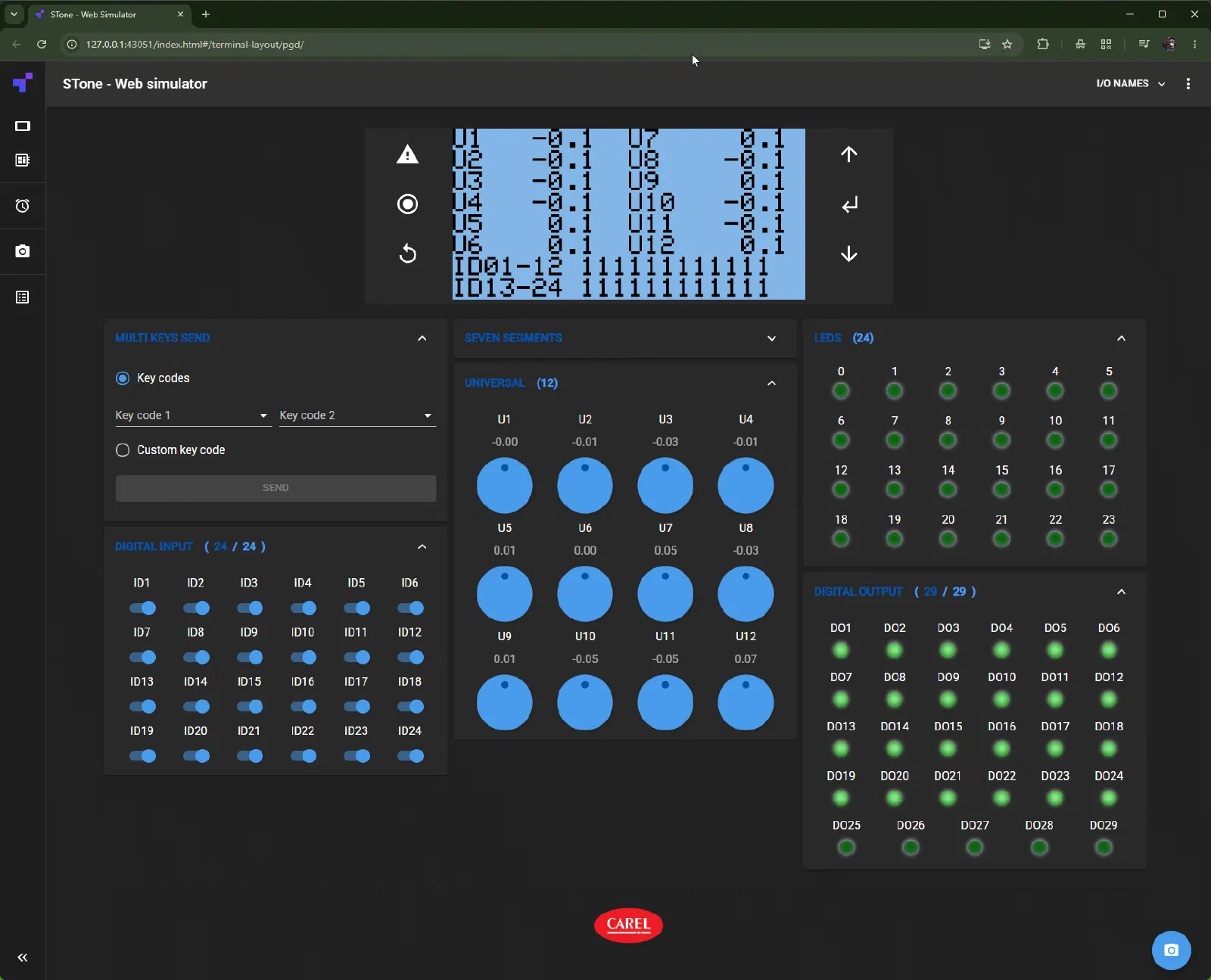
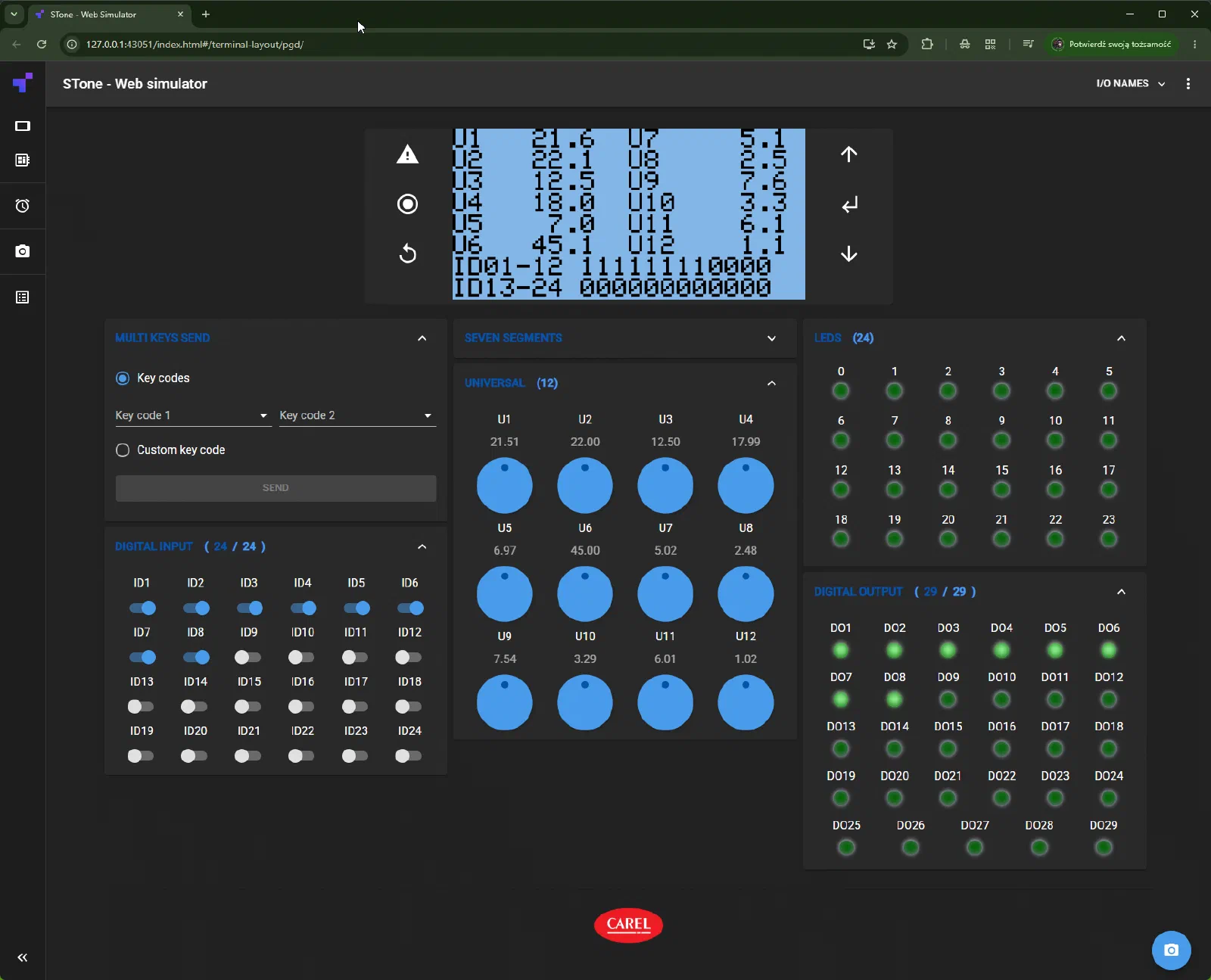
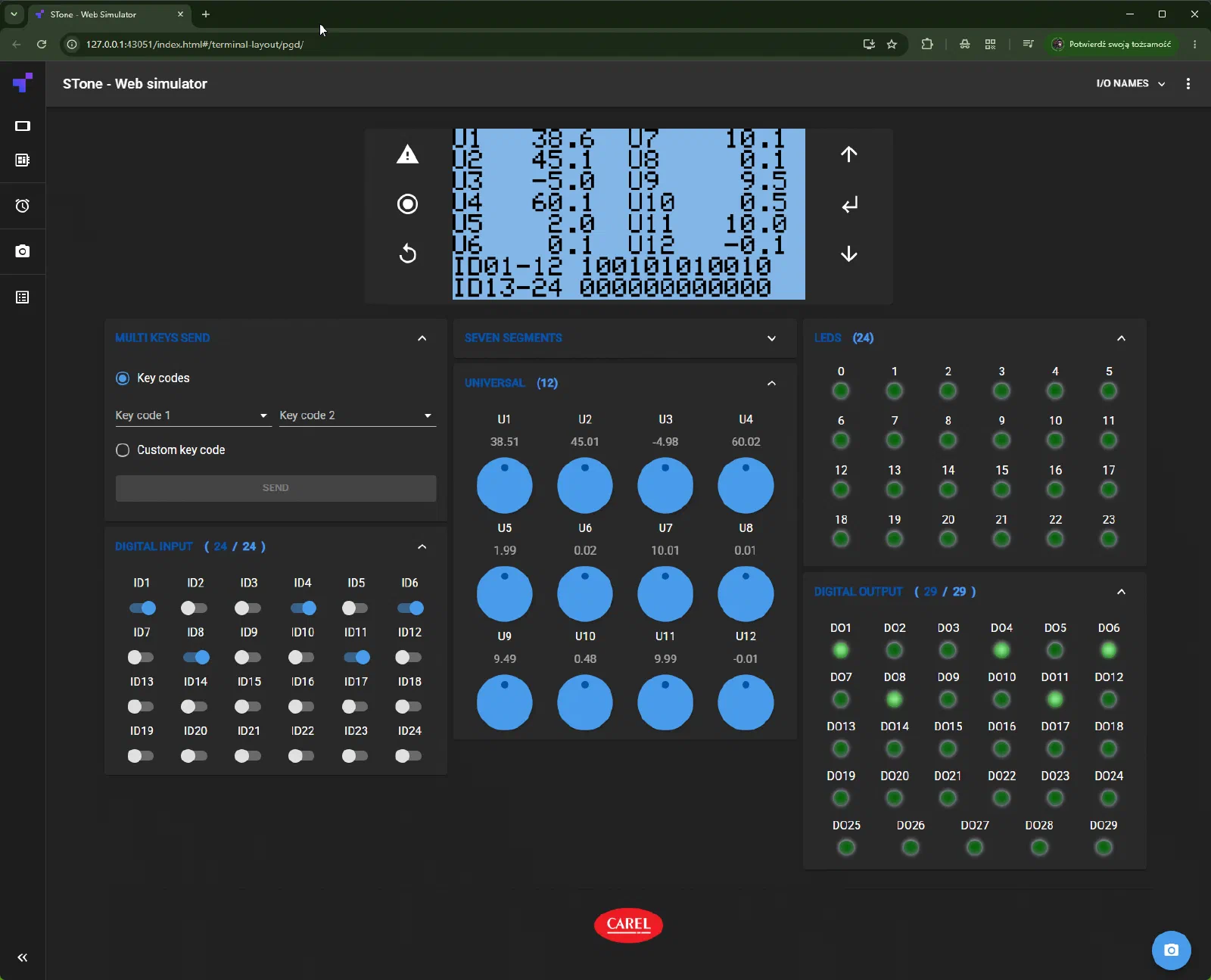
When testing a STone application in the PC simulator, you set inputs manually on its web page: analogue values with knobs and digital inputs with switches. The trouble starts after a restart — including every application download from STone. All values are lost, so you have to set them again. Repeat that after every code change and it quickly becomes tedious. Testing with everything left at zero is not much of an alternative.
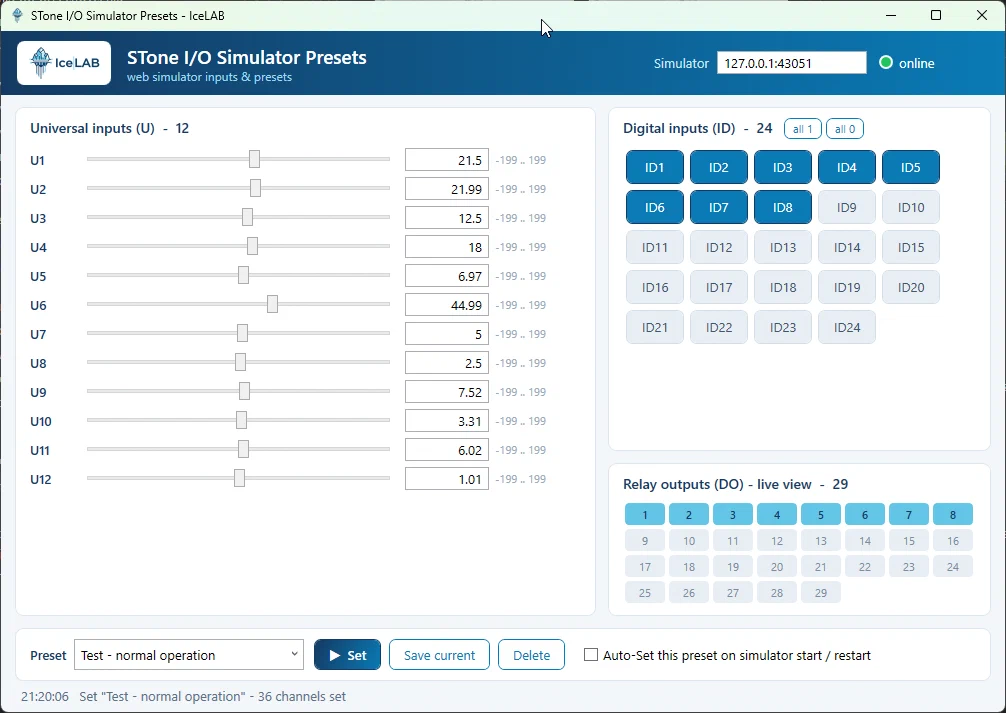
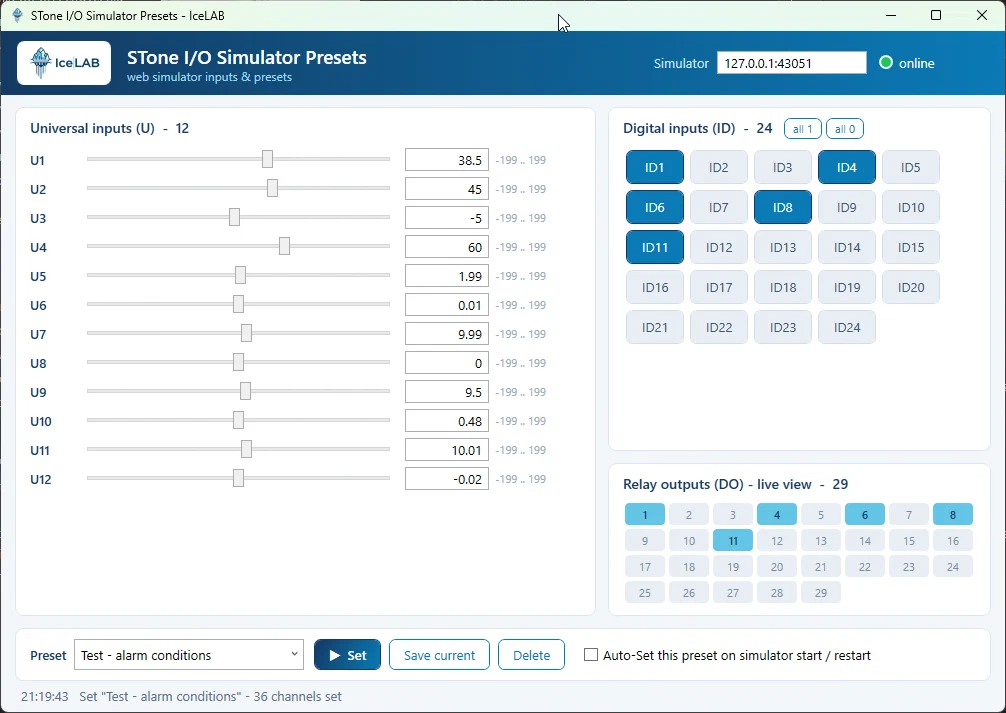
The tool stores input values as named presets. It communicates with the simulator using the same local HTTP calls as the controls on its web page. This means values are applied to the simulated controller terminals, and your application reads them through its normal input path — including channel configuration, filtering and scaling. Select a saved scenario and click Set to restore it. With Auto-Set enabled, the tool monitors the simulator and reapplies the selected preset when it detects a restart.